Barcodify Sophisticated Solution For Barcode.
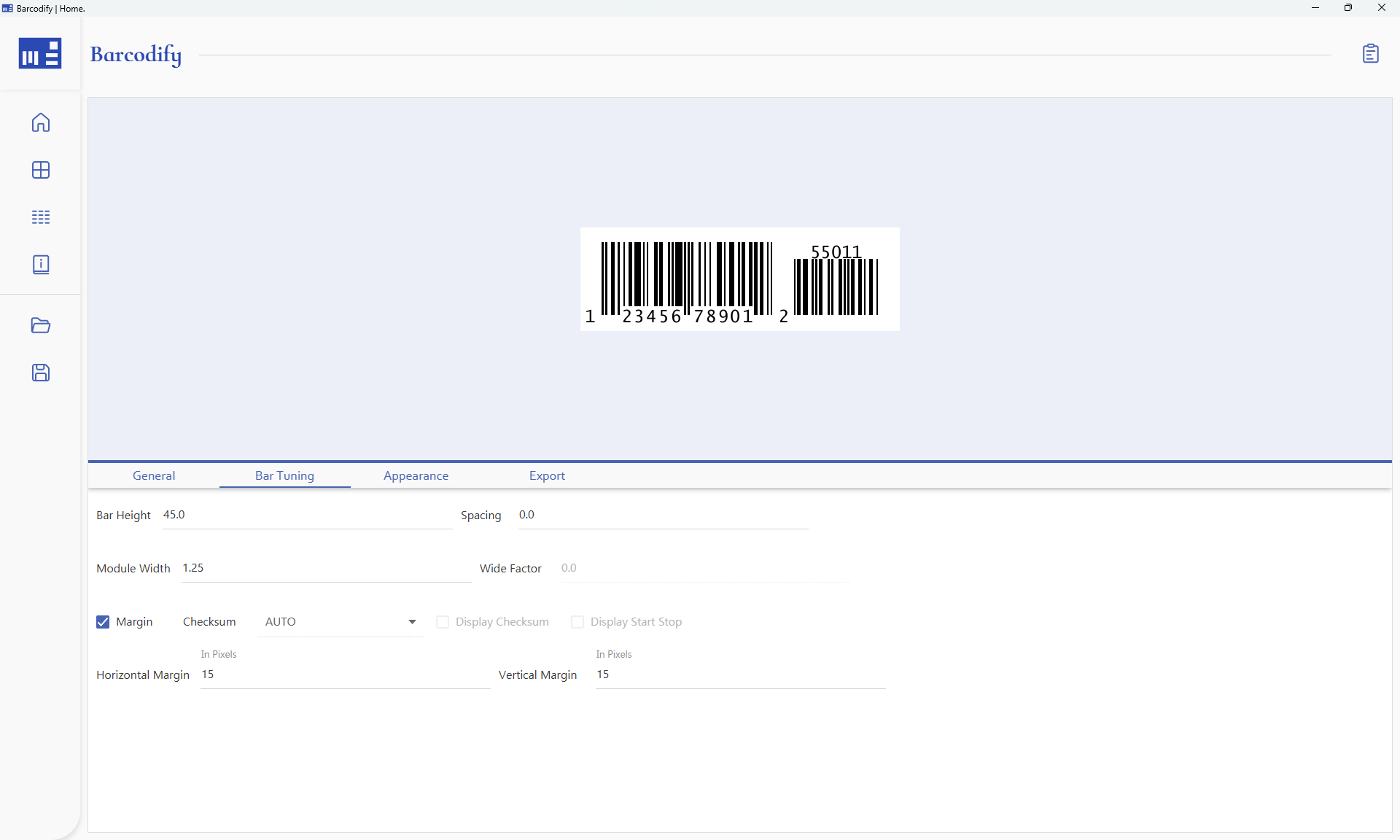
Barcodify is a high-performance JavaFX barcode generation application built for a specific client workflow. It features full customization, from color schemes and font sizes to margins and barcode dimensions, alongside advanced template generation and intelligent, concurrent batch bundling.
- Java
- JavaFX
- Spring
- JasperReport
- H2 Database
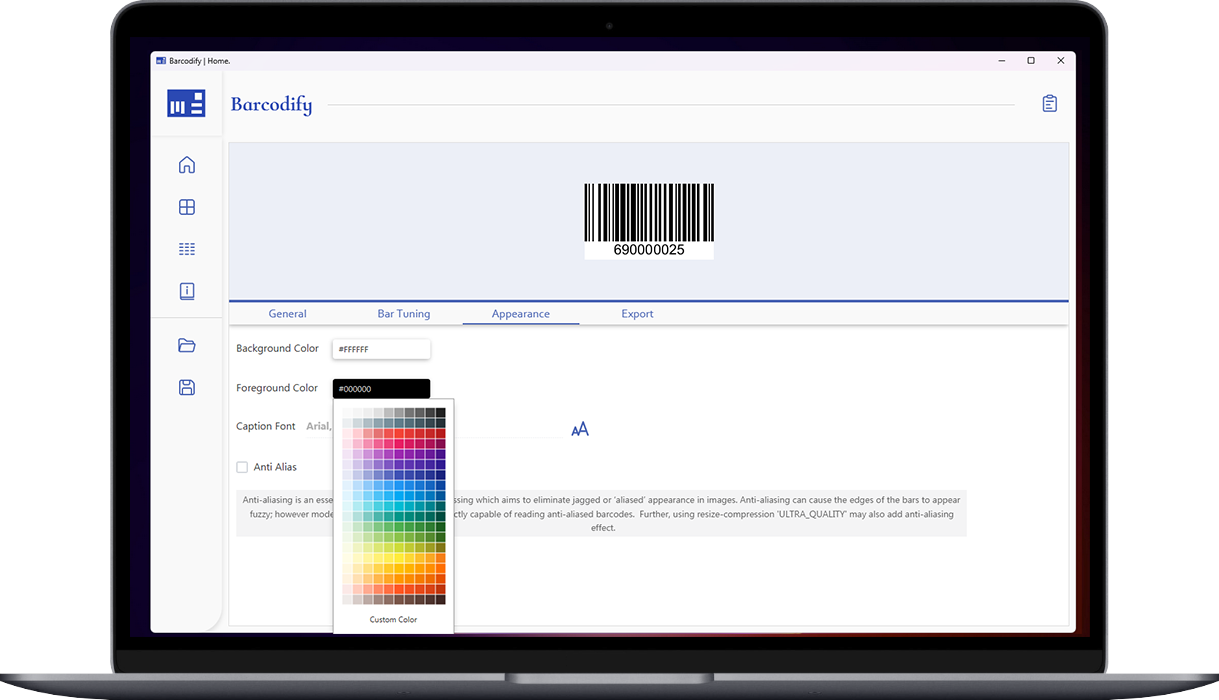
Overview
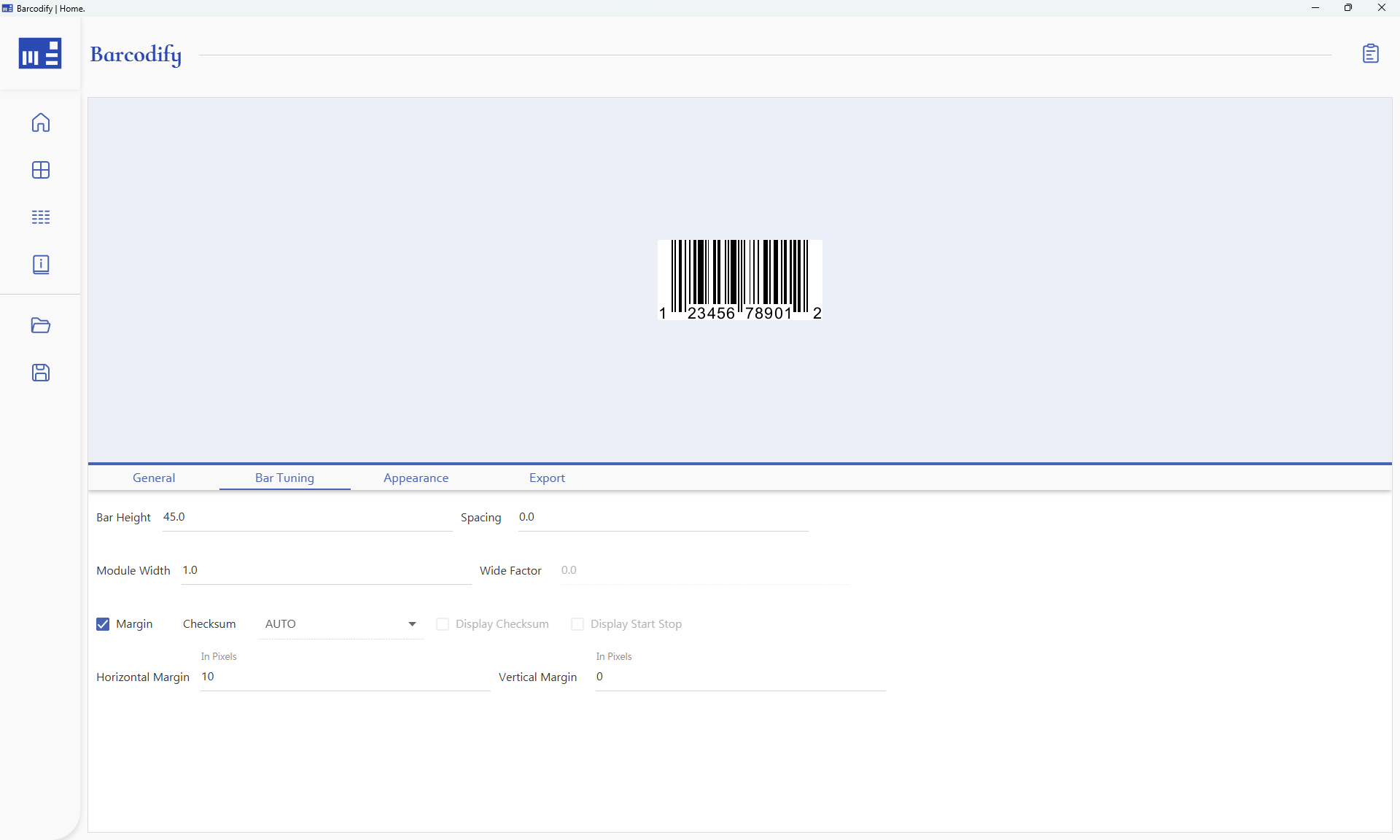
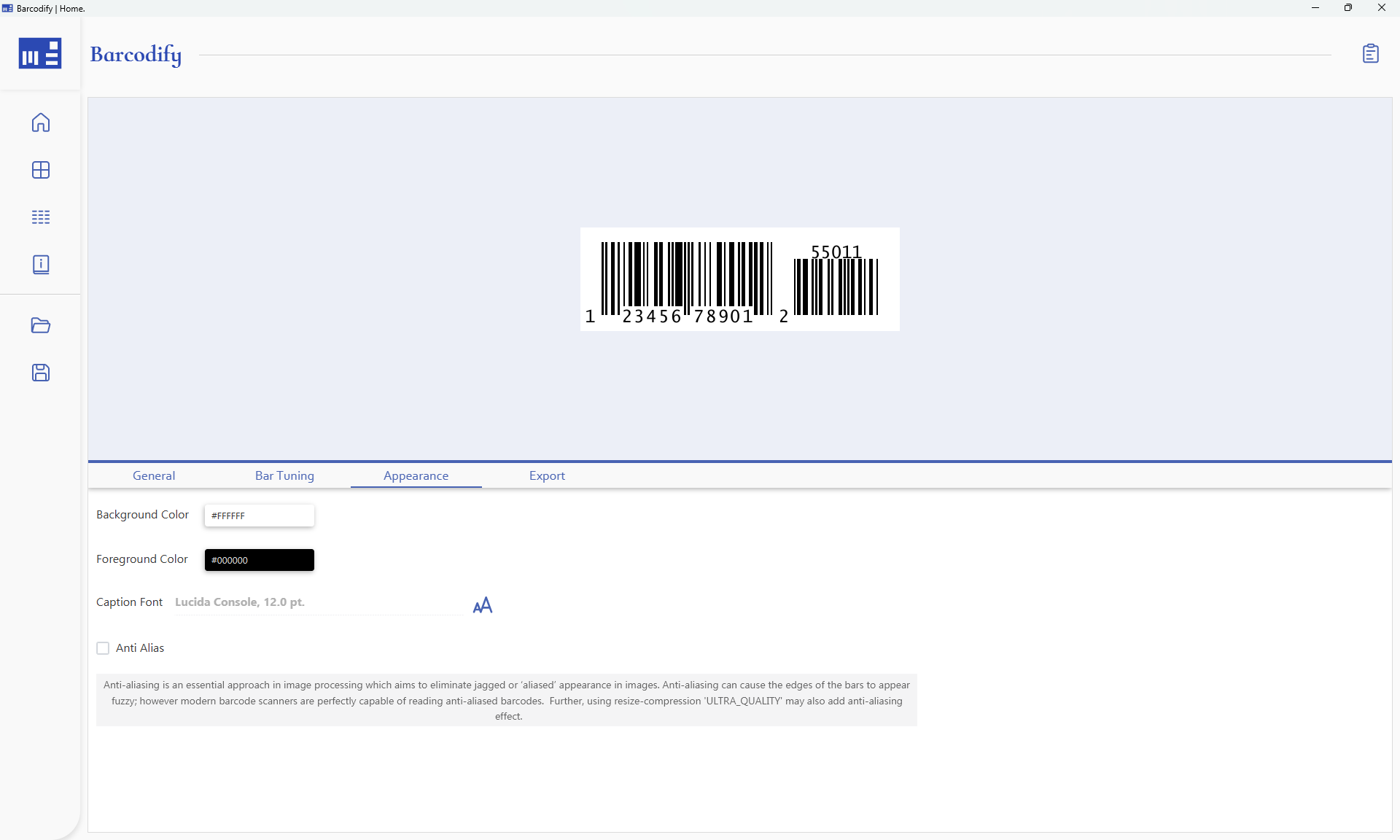
Barcodify is a JavaFX desktop application built exclusively for an enterprise client, tailored to meet their unique specifications and workflow requirements. It provides extensive customization options, allowing users to adjust every element from colour schemes and font sizes to margins and barcode dimensions, to suit their specific needs.
It currently supports 8 types of linear barcodes, covering the most common linear standards used in enterprise and retail workflows:
Back in April, due to evolving client requirements, the decision was made to rewrite the entire application from scratch. This latest version comes with an improved design, more flexibility, faster processing and improved memory efficiency. With advanced template configuration and export options, users can effortlessly create, save, and apply templates for consistent, high-quality barcode generation.
Adjust colour schemes, fonts, margins, and barcode dimensions per template. Every element is configurable.
Faster generation, reduced memory usage, and an improved UI compared to the original implementation.
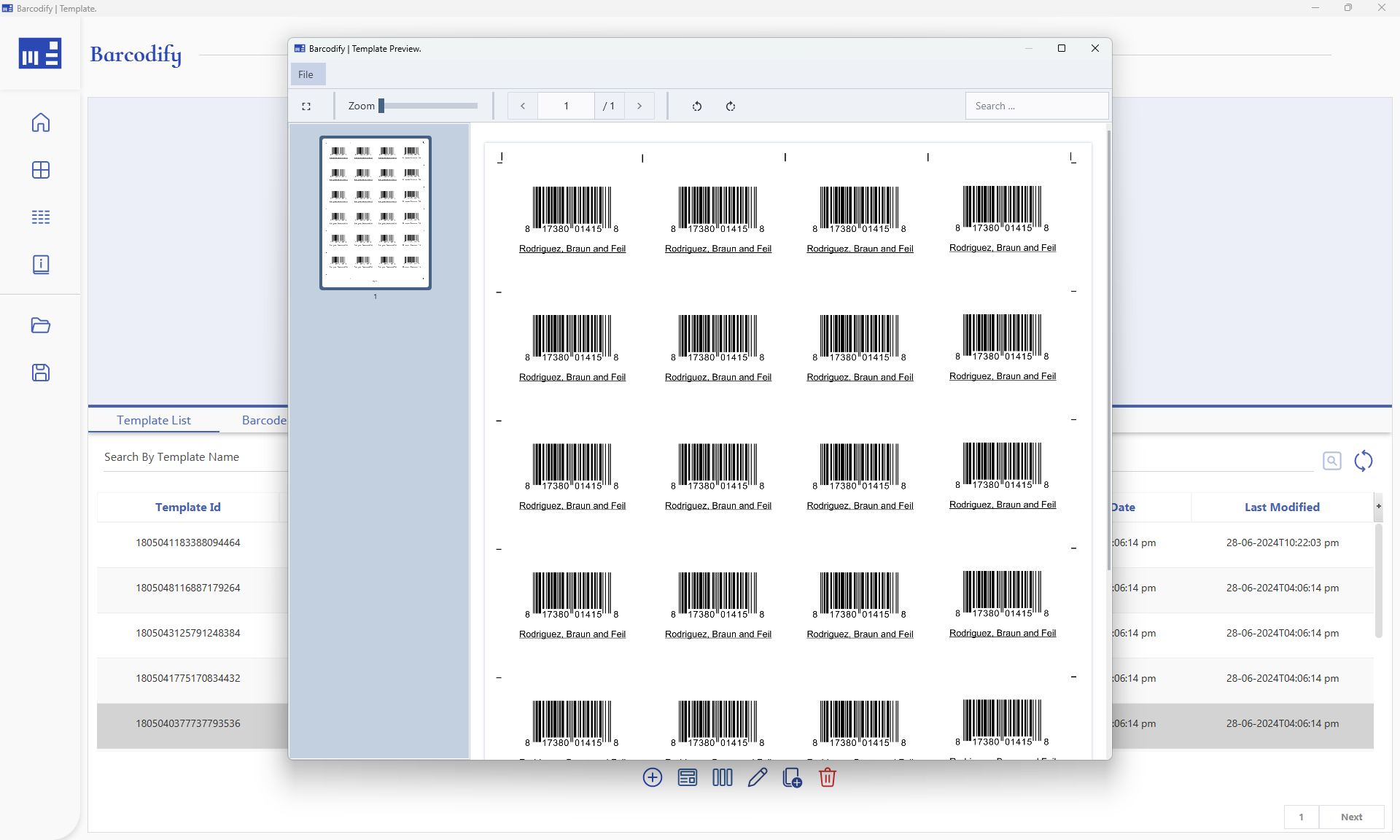
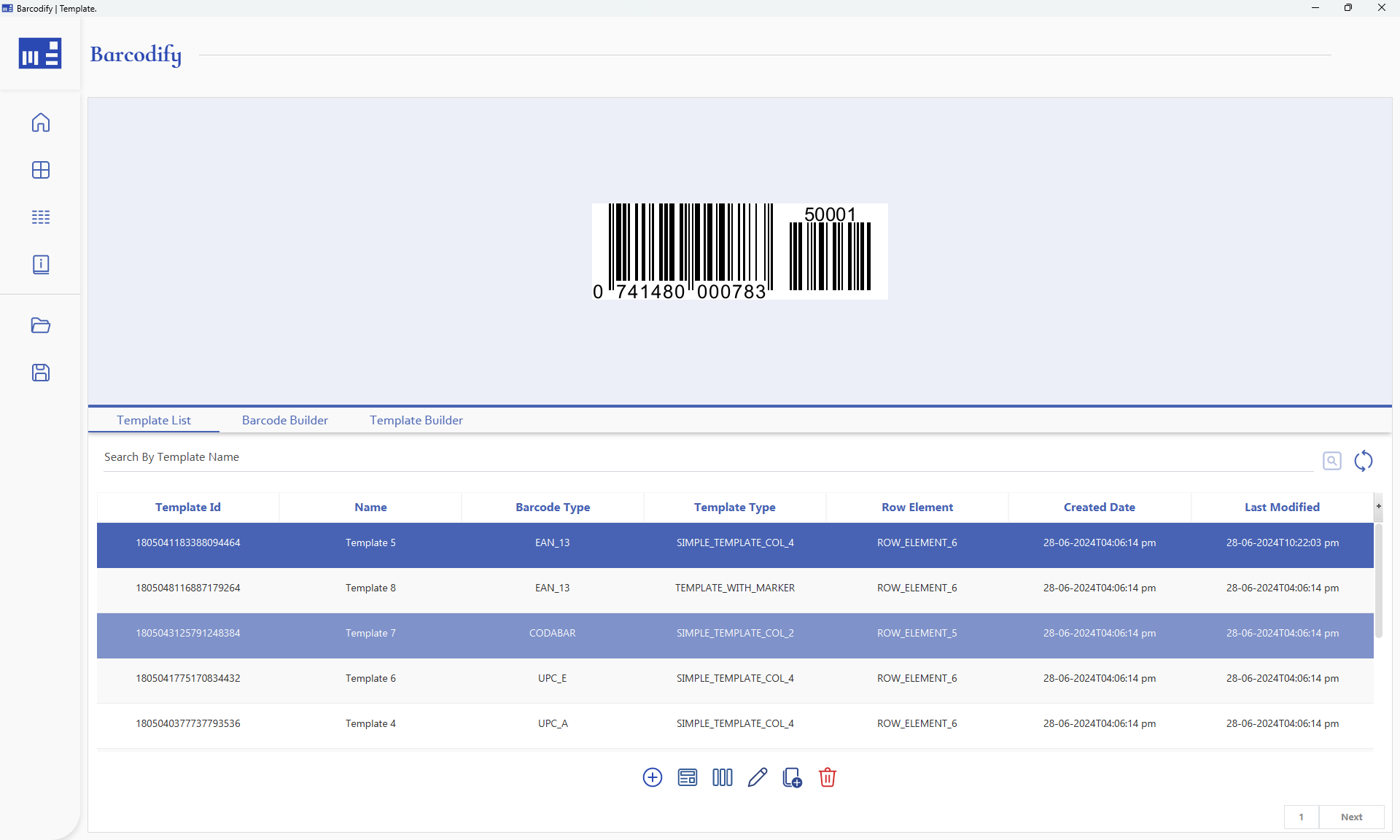
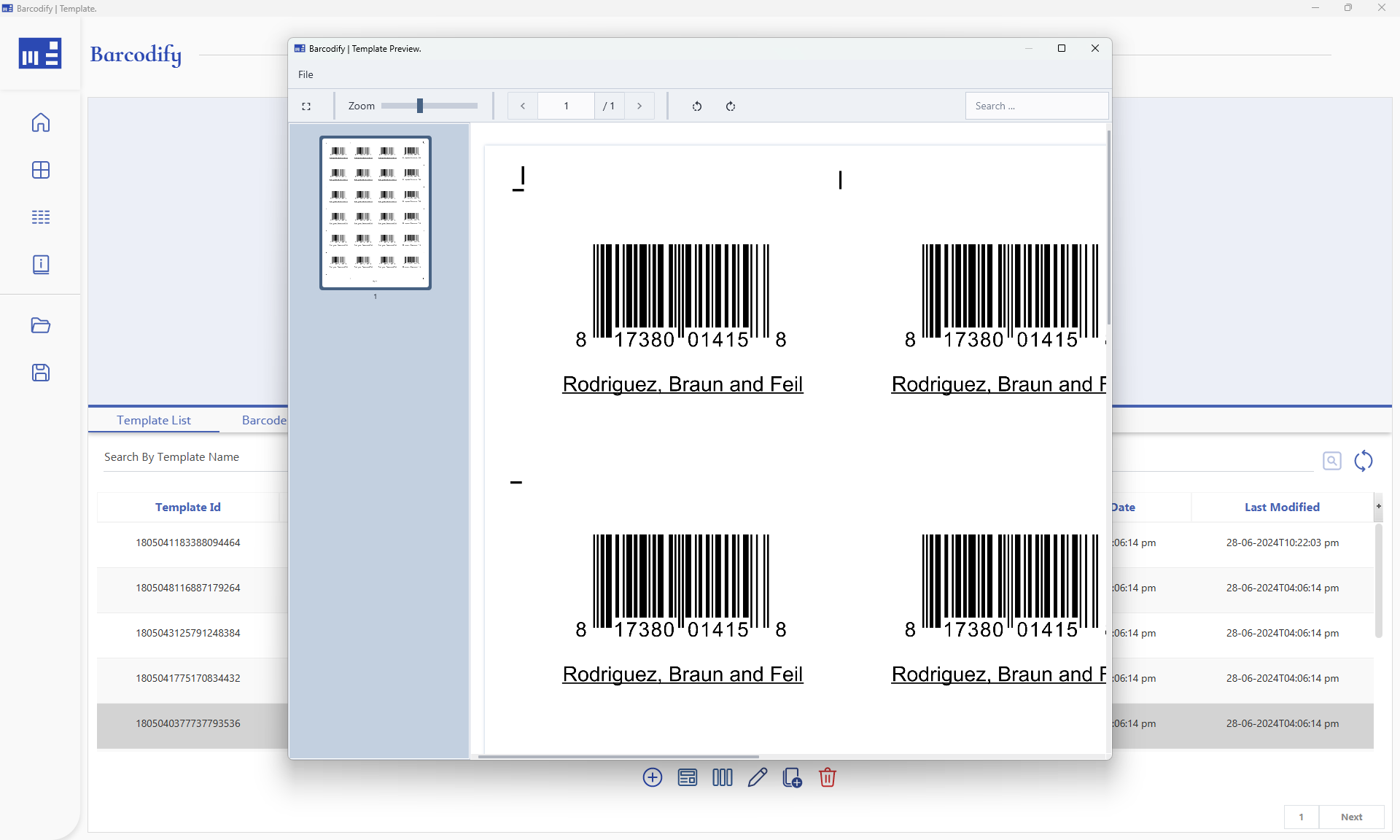
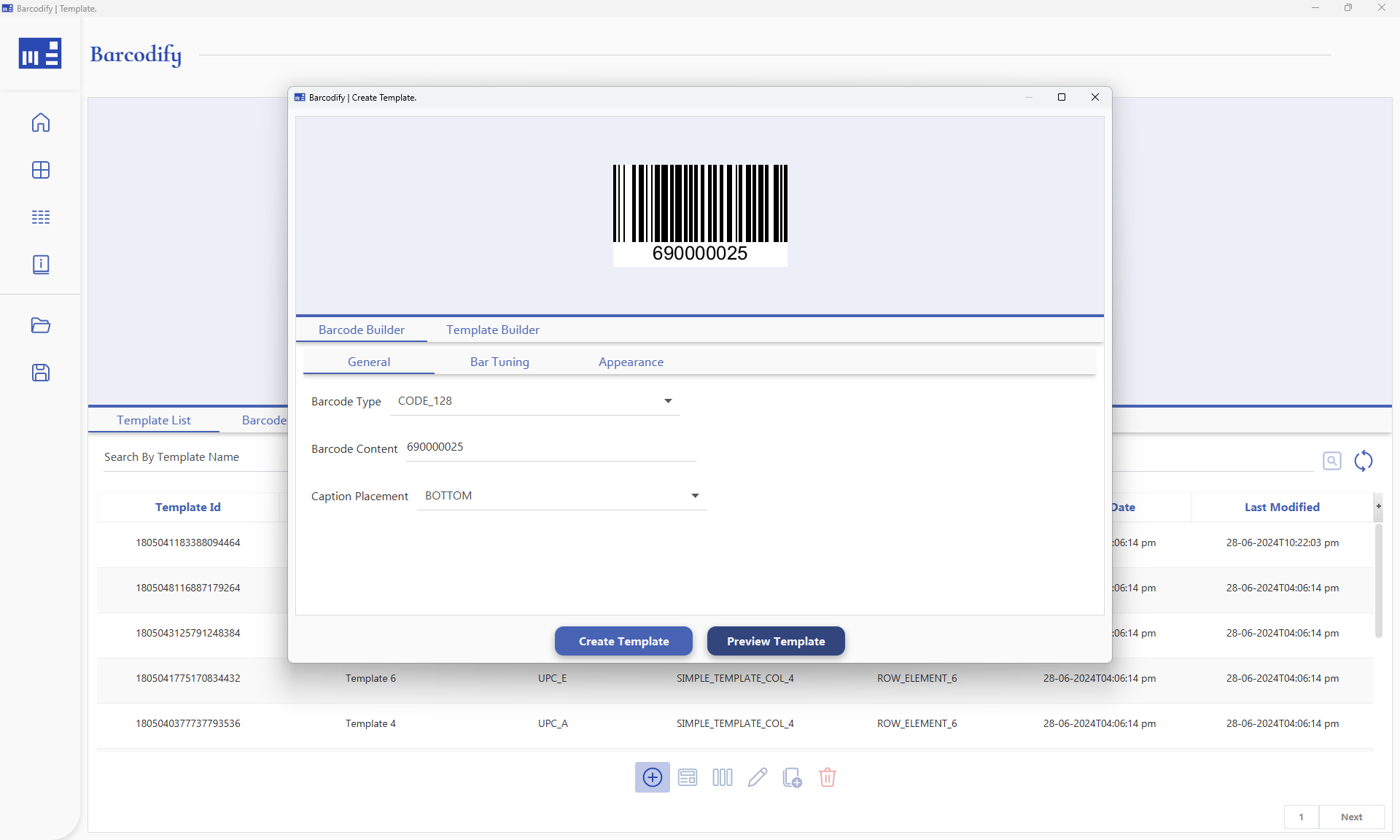
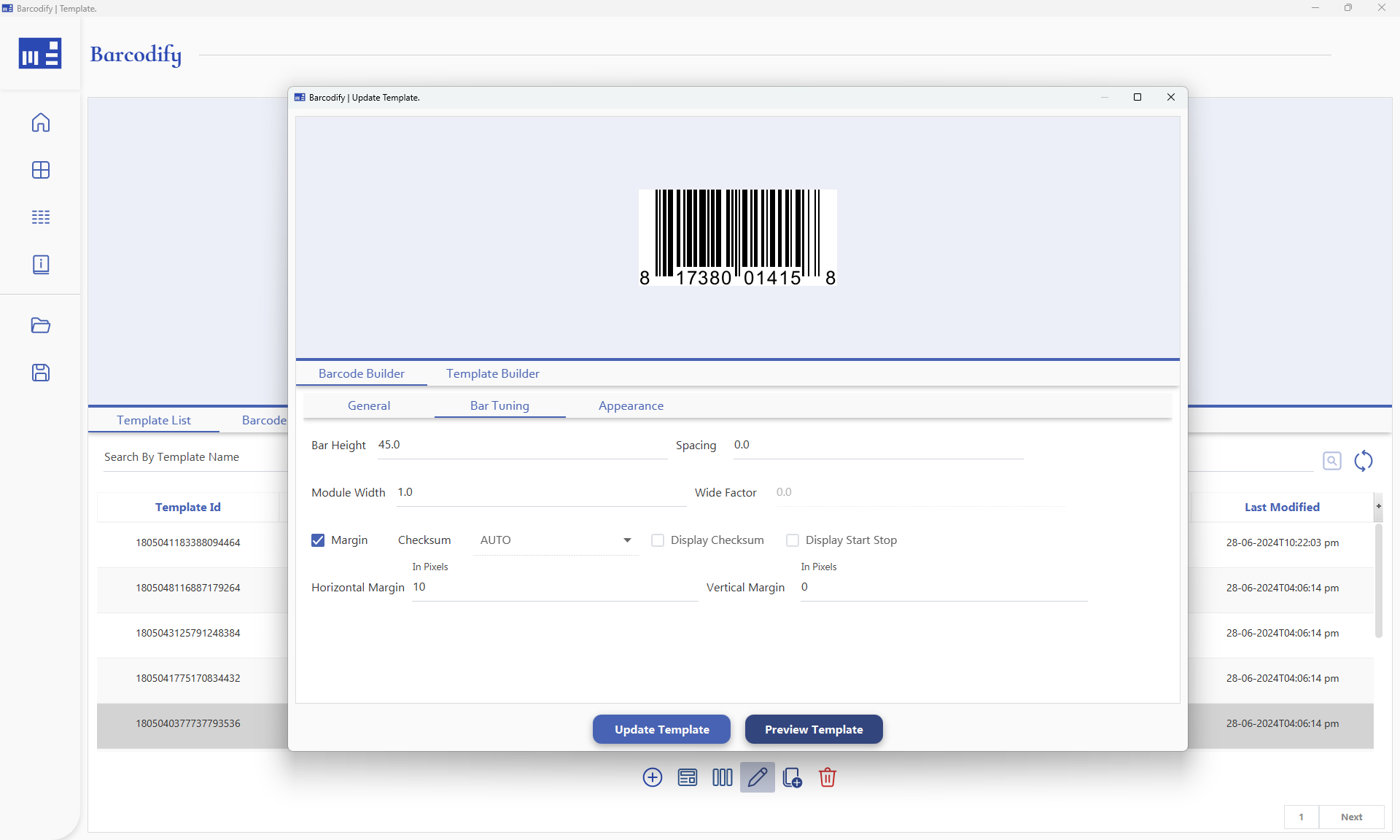
Create, save, and export templates, ensuring consistent output across future generation jobs.
Automatically bundles and aligns barcodes by the specified bundle size, then generates in batches with concurrent column processing.
App Overview
Barcodify — Sophisticated Barcode Solution | Overview
How It Works
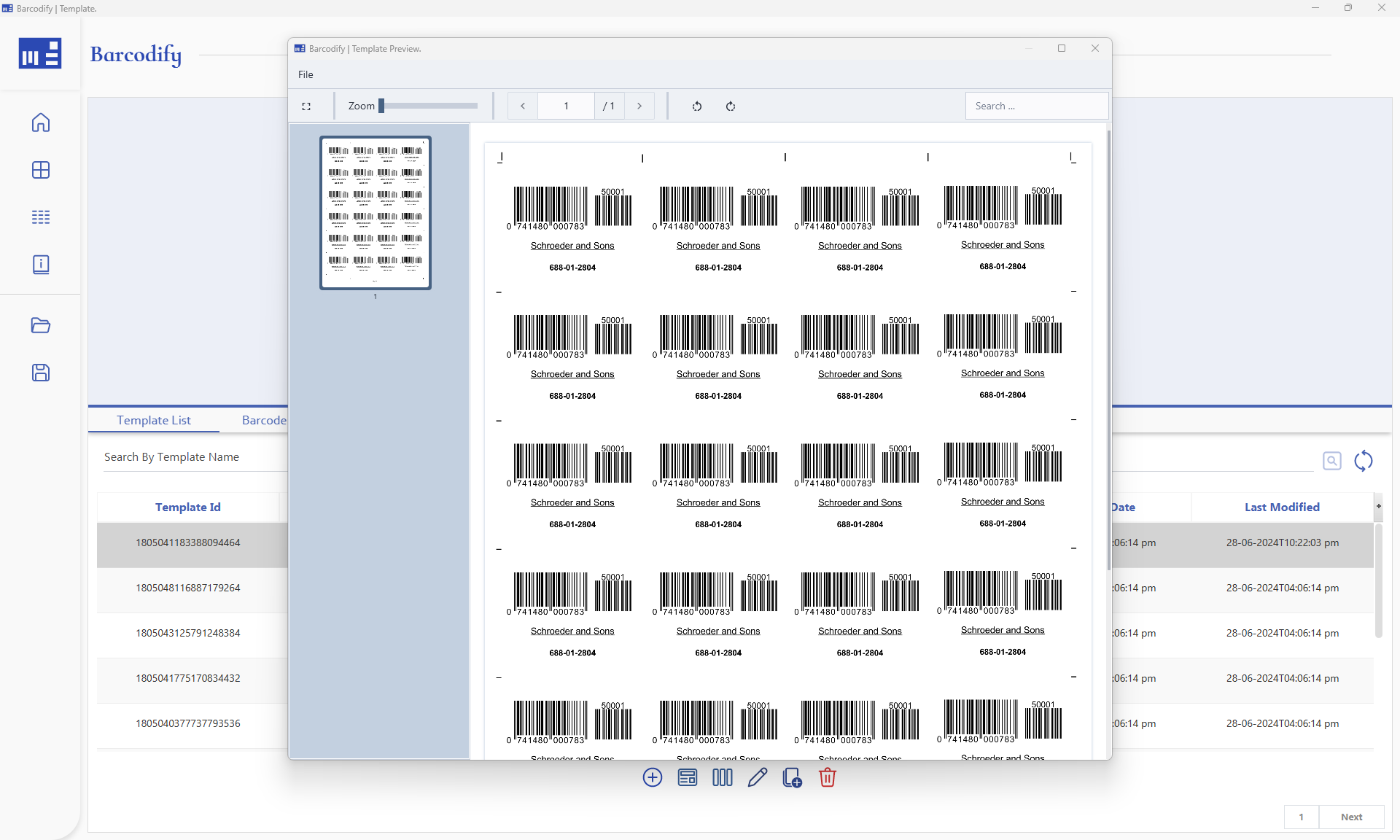
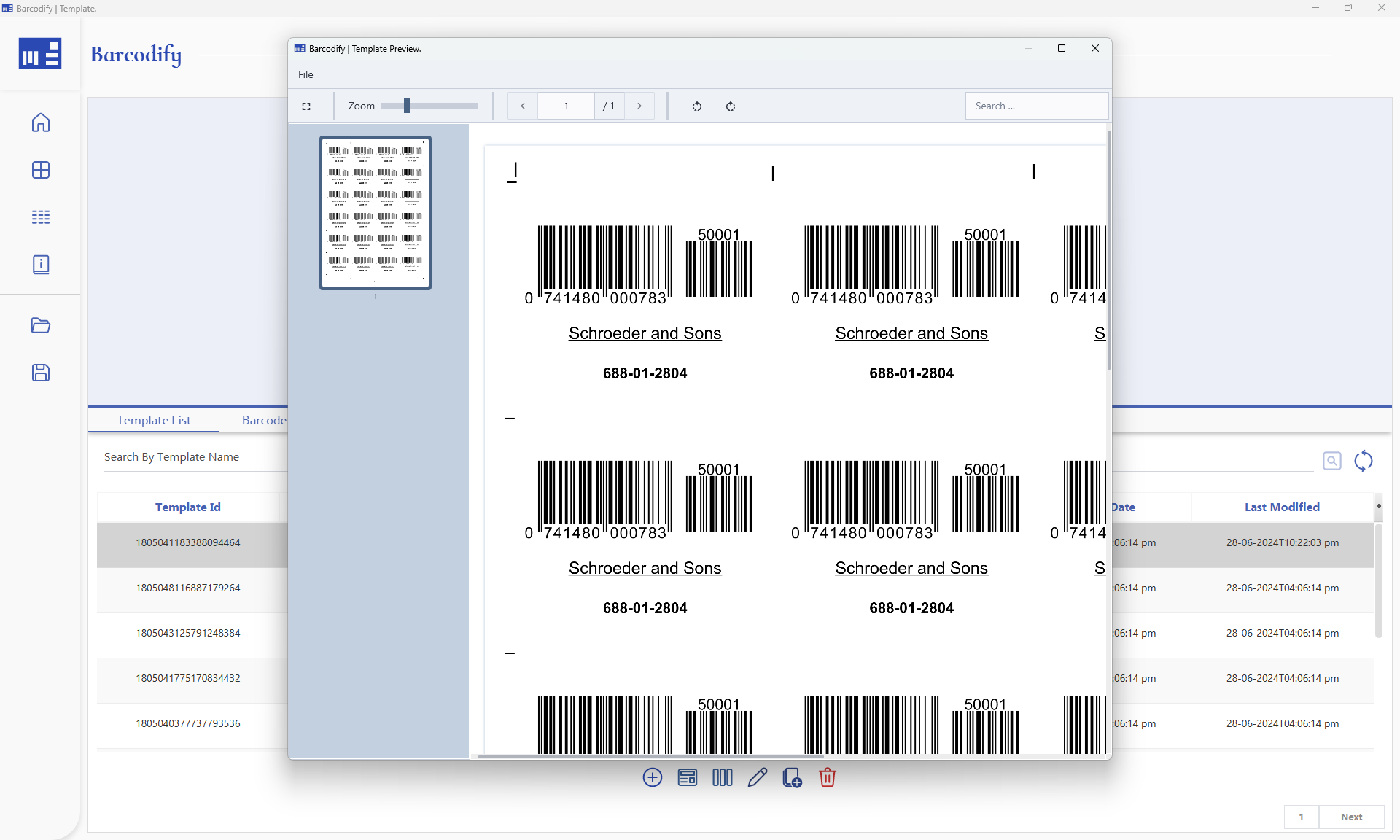
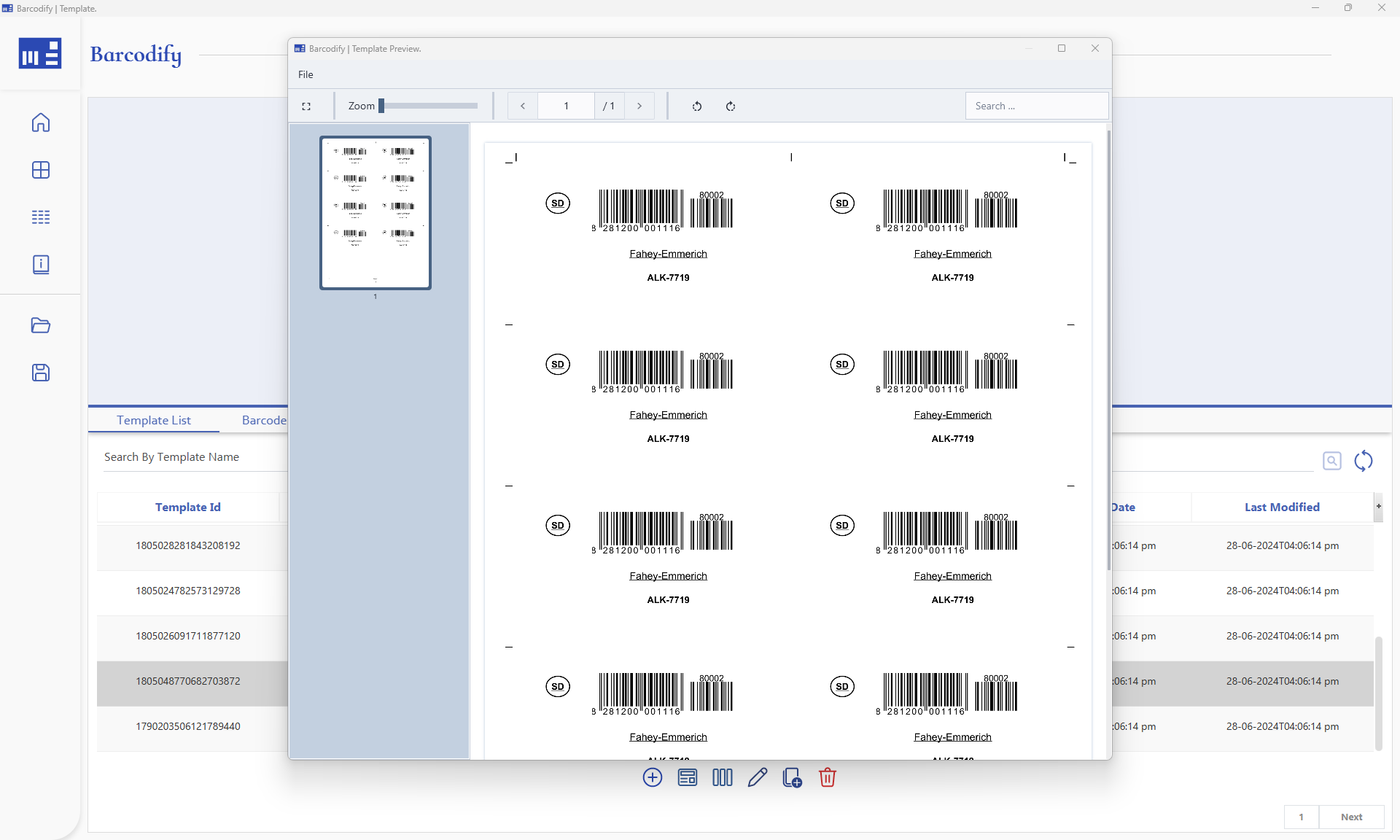
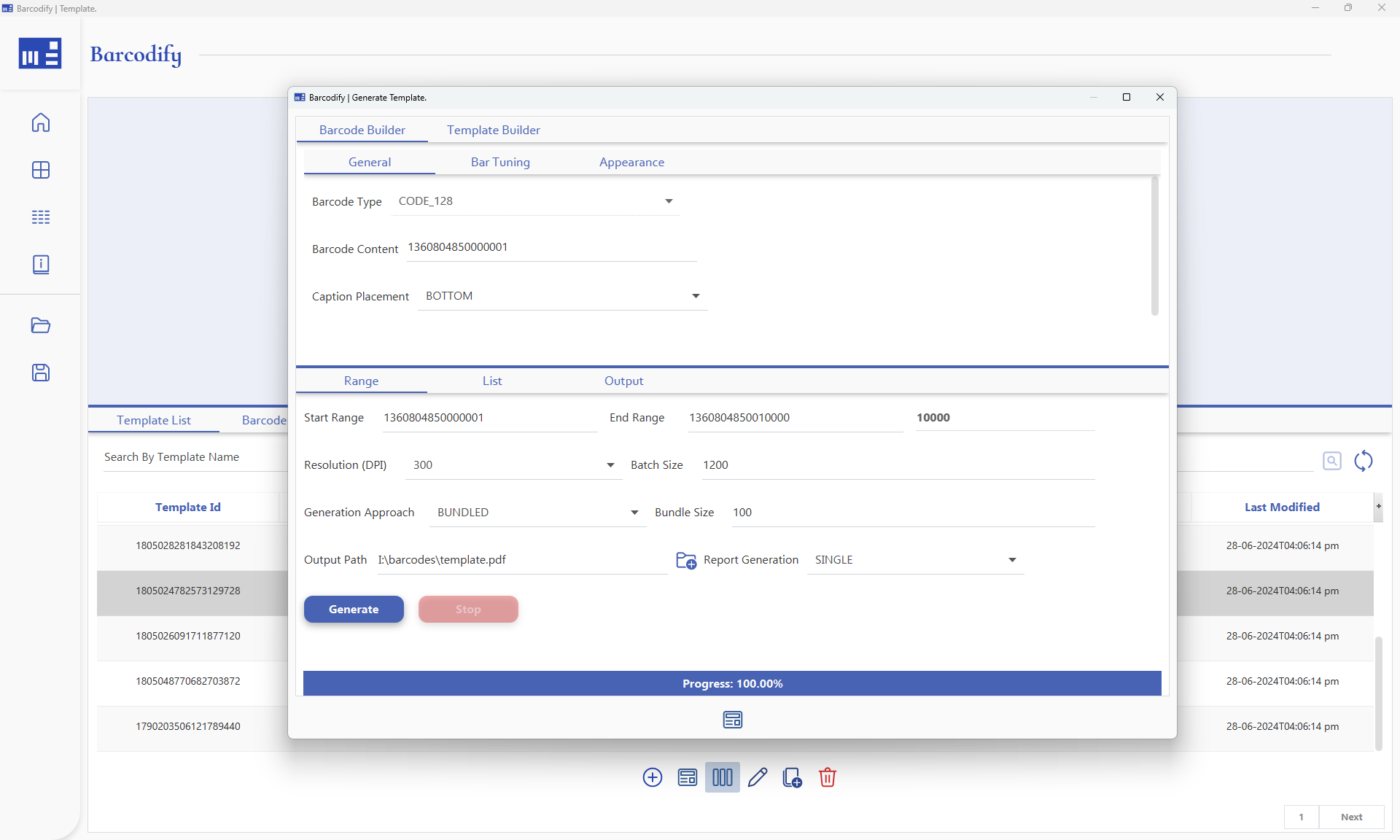
The defining feature of Barcodify is its intelligent bundling and alignment system. No matter how many rows or columns a job specifies, the application intelligently bundles and aligns barcodes based on the configured bundle size (if it’s selected) and batch size. Barcodes are generated incrementally, one batch at a time, with each column processed concurrently for maximum throughput.
Barcodes aren't simply laid out left-to-right. The application reads the configured bundle size, then distributes values across columns such that each bundle stays contiguous. The second barcode in a bundle appears directly below the first on the next page, not beside it.
Notice how values in the same bundle appear across both pages. That's the magic of Barcodify. Each column represents a bundle. Page 1 contains …000001, …000101, …000201... these are the first values of Bundle1, Bundle2, Bundle3 and so on. Page 2 continues the same pattern. This keeps each physical bundle contiguous and in sequence once printed and cut.
Bundle 1: …000001 – …000100
Bundle 2: …000101 – …000200
Bundle 3: …000201 – …000300 and so on...
The bundle size is fully flexible i.e., you could provide any number e.g. 100, 47, 38, 86, 200 etc.. Once the remaining range no longer accommodates full bundles mathematically, the application falls back to vertical printing.
Batch Generation
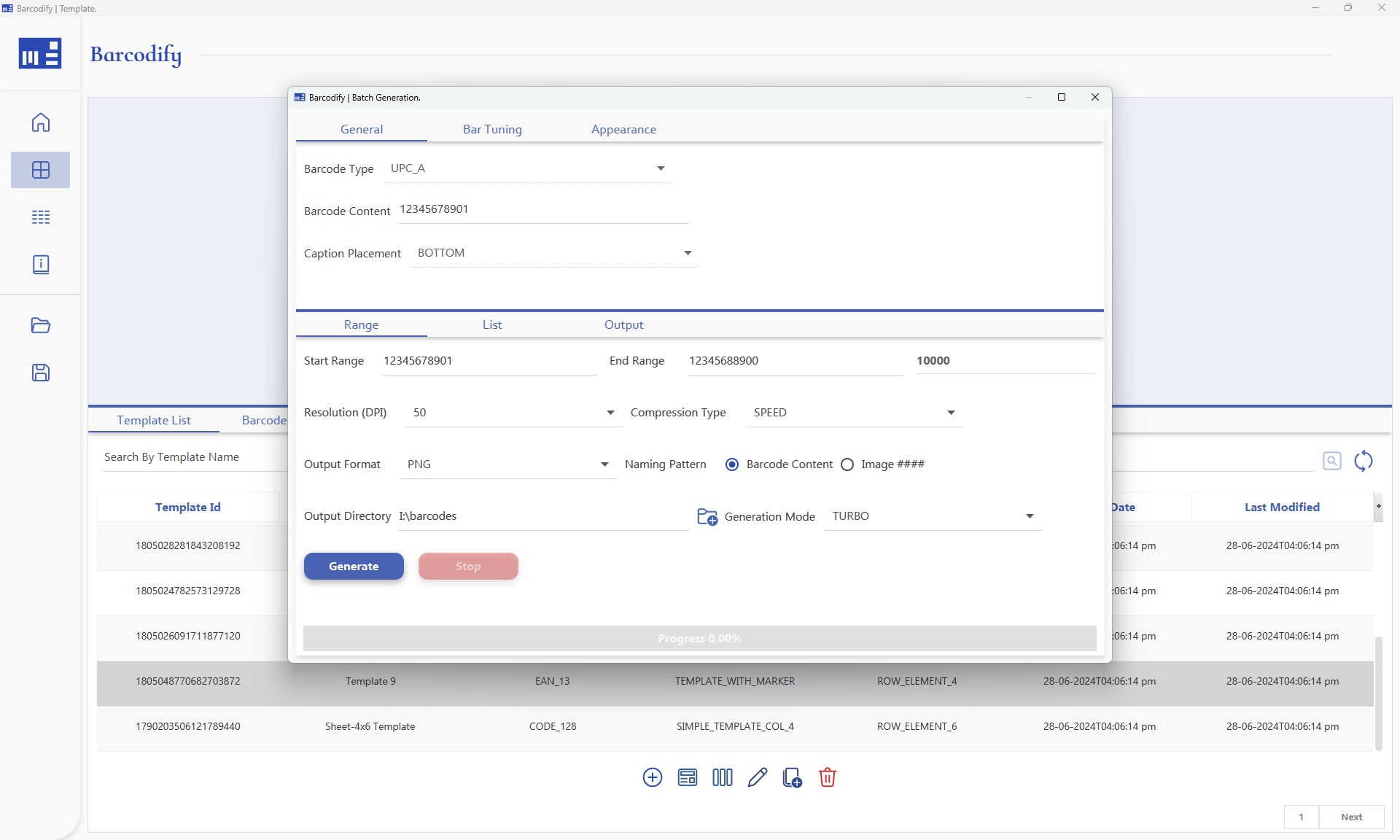
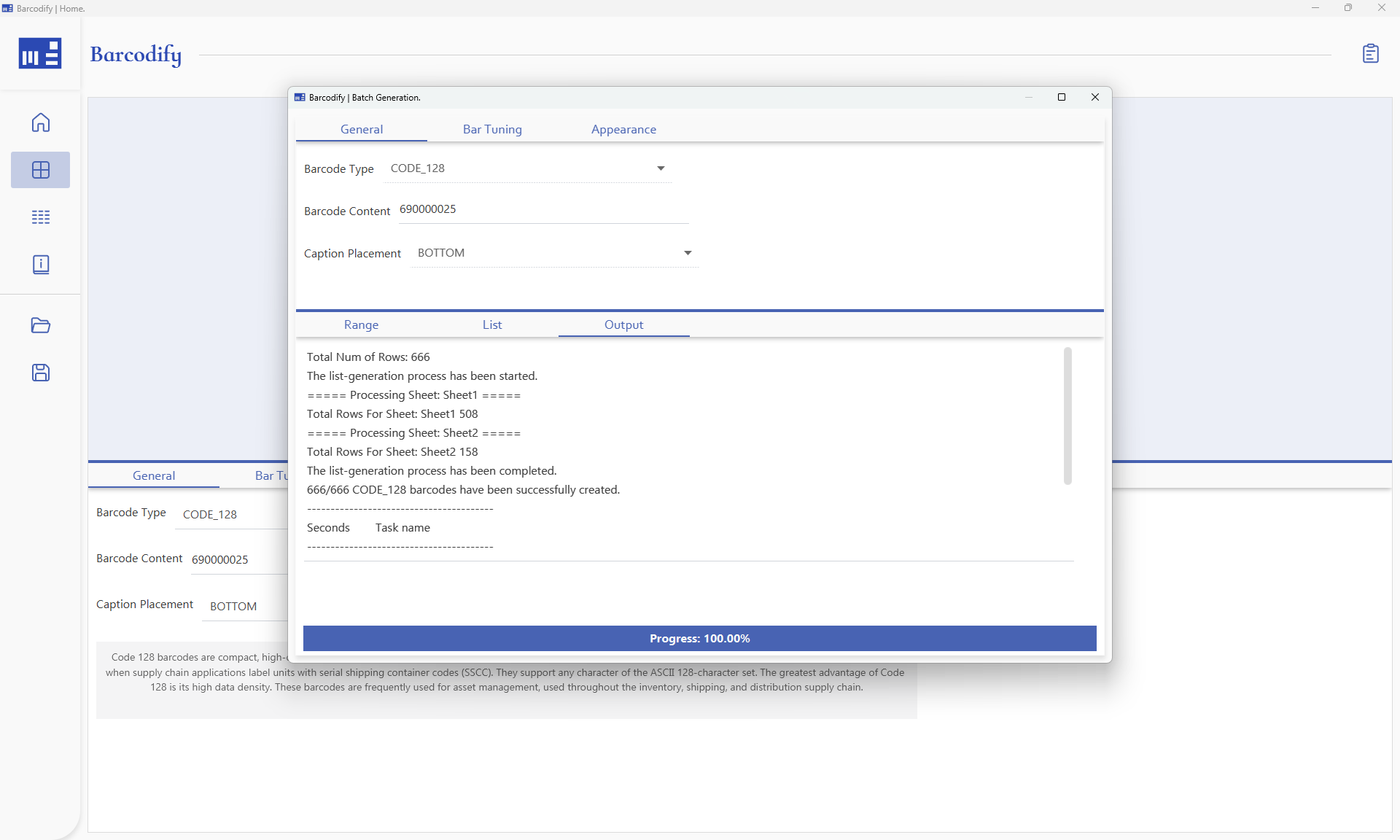
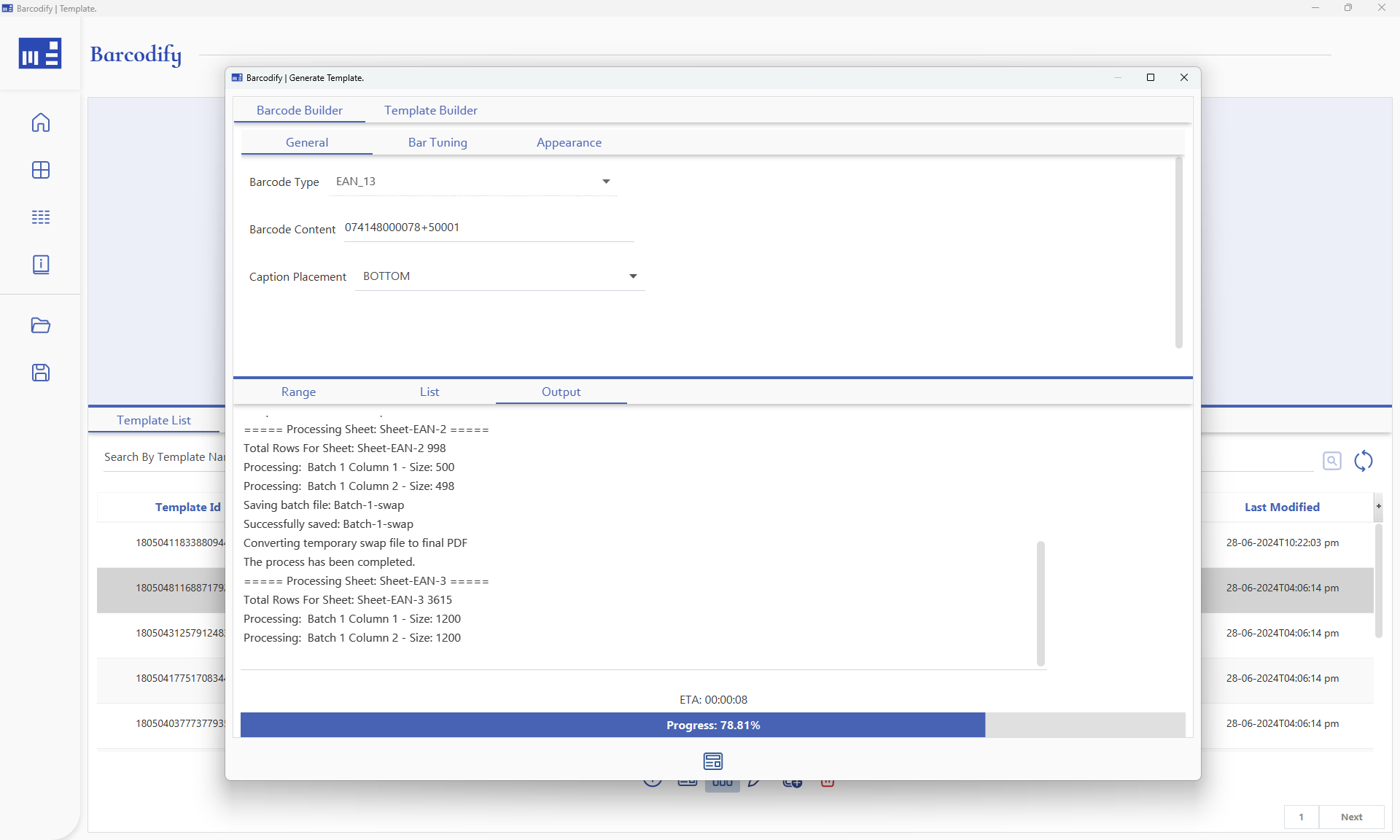
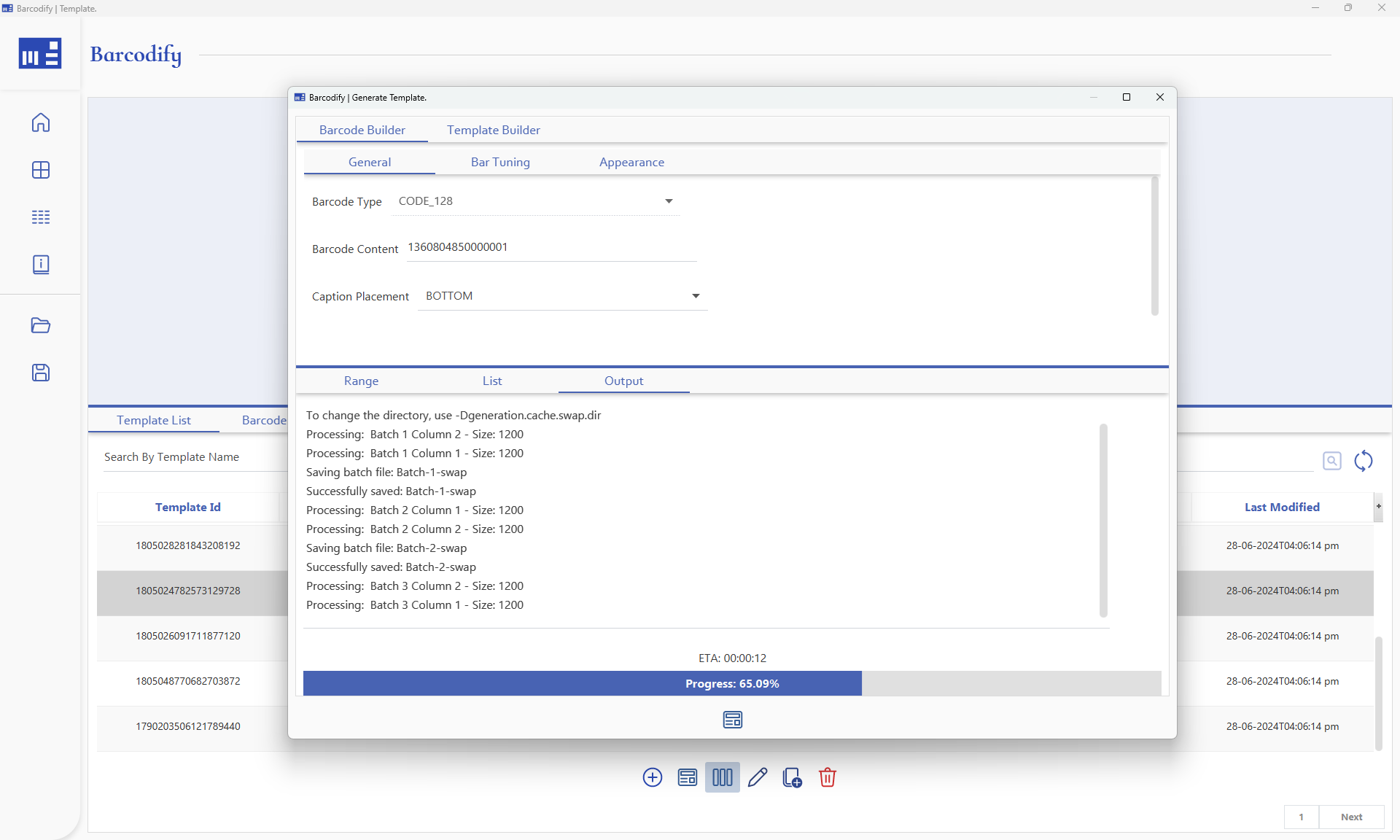
For large-scale jobs, Barcodify uses a batch generation approach, producing barcodes in chunks rather than all at once, keeping memory usage flat regardless of total volume.
Bottom Line
Rebuilt from scratch to meet strict workflow requirements: faster processing, reduced memory footprint, and a cleaner UI.
The intelligent bundling system ensures that barcodes are distributed across columns such that each bundle stays logically contiguous.
Batch generation keeps memory usage flat at any scale, 5000 or 500,000, the process is the same – just more PDFs at the end.
A look at the interface